How to Remove Password from a PDF — Free & Instant
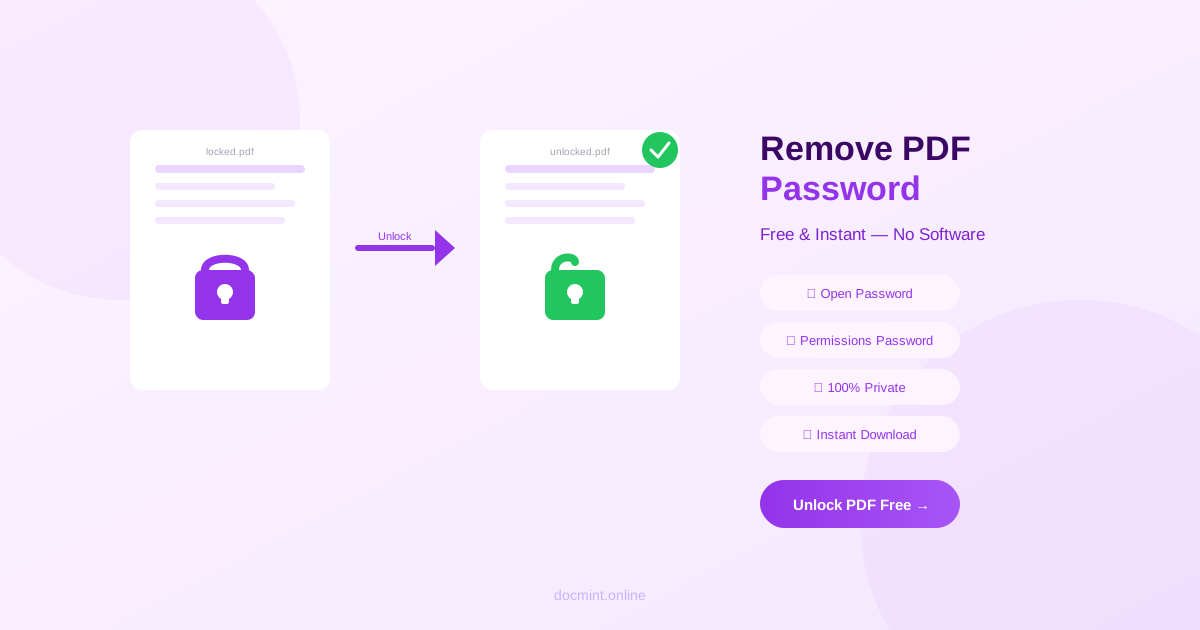
Quick answer: Use DocMint's free Unlock PDF tool — upload your PDF, enter the current password, and download an unlocked version instantly. No software, no signup.
Password-protected PDFs are useful for security, but they become a hassle when you need to share, print, or edit a document repeatedly. If you own the PDF and know the password, removing it takes about 30 seconds.
Two Types of PDF Passwords
Before removing a password, it helps to understand what type you're dealing with:
Open Password (User Password)
This password is required just to open the PDF. Without it, the file appears blank or shows an error. This is the most common type of PDF protection.
Permissions Password (Owner Password)
This password doesn't prevent opening the PDF, but it restricts what you can do with it — printing, copying text, editing, or adding annotations may be blocked. You might not even know this password exists until you try to print and get an error.
DocMint's Unlock PDF tool removes both types.
Step-by-Step: Remove PDF Password for Free
- Go to DocMint Unlock PDF — no account needed
- Upload your password-protected PDF
- Enter the current password when prompted
- Click "Unlock PDF"
- Download the unlocked PDF — no password required to open it
Privacy note:
DocMint unlocks PDFs entirely in your browser. Your document and password are never sent to any server. This is critical for sensitive documents.
Why You Might Need to Remove a PDF Password
- You set a password months ago and now it's inconvenient to enter every time
- You need to print a permissions-restricted PDF
- You want to compress, merge, or edit the PDF but the protection blocks it
- You're sharing the document with a team and don't want to share the password separately
- You need to run OCR on a scanned protected PDF
What If I Forgot the Password?
If you've forgotten the password to your own PDF, there are a few options:
- Check your password manager — if you used one when creating the PDF
- Check email — the password may have been sent alongside the PDF
- Contact the sender — if someone else created the PDF, ask them for the password
- PDF password recovery tools — tools like Passper for PDF or PDF Password Remover can attempt to recover forgotten passwords through brute force, though this can take a long time for complex passwords
Note: DocMint cannot bypass or crack passwords — you must know the current password to unlock the file.
How to Re-Protect a PDF After Editing
If you removed the password to make edits and want to re-add protection:
- Make your edits
- Use DocMint's Protect PDF tool to add a new password
- Set permissions (printing, copying, editing) as needed
Is It Legal to Remove a PDF Password?
Removing password protection from a PDF you own or have permission to modify is completely legal. The tool is designed for legitimate use cases — your own documents, documents shared with you, or documents where you have the rights to modify.
Removing protection from copyrighted content, DRM-protected ebooks, or documents you don't have rights to modify may violate copyright law or terms of service.
Frequently Asked Questions
Can I remove a password from a PDF I own?
Yes. If you know the password, you can remove it using DocMint's Unlock PDF tool. Enter the password once to unlock the file, and the downloaded PDF will have no password protection.
Can I remove a PDF password without knowing it?
No legitimate tool can bypass PDF encryption without the password. If you've forgotten the password to your own document, you'll need to try password recovery tools or contact whoever created the PDF.
Is it legal to remove a password from a PDF?
It is legal to remove password protection from PDFs you own or have permission to modify. Removing protection from copyrighted or restricted documents you don't own may violate terms of service or copyright law.
What is the difference between an open password and a permissions password?
An open password (user password) prevents anyone from opening the PDF without entering it. A permissions password (owner password) allows opening but restricts actions like printing, copying, or editing. DocMint's Unlock PDF tool removes both types.
Will removing the password change the PDF content?
No. Removing password protection only strips the encryption layer. The content, formatting, images, and all other elements remain exactly the same.
Unlock Your PDF Now — Free
Remove password protection instantly. No software, no signup.
Unlock PDF Free →