How to Edit a PDF Free Without Adobe — 5 Methods
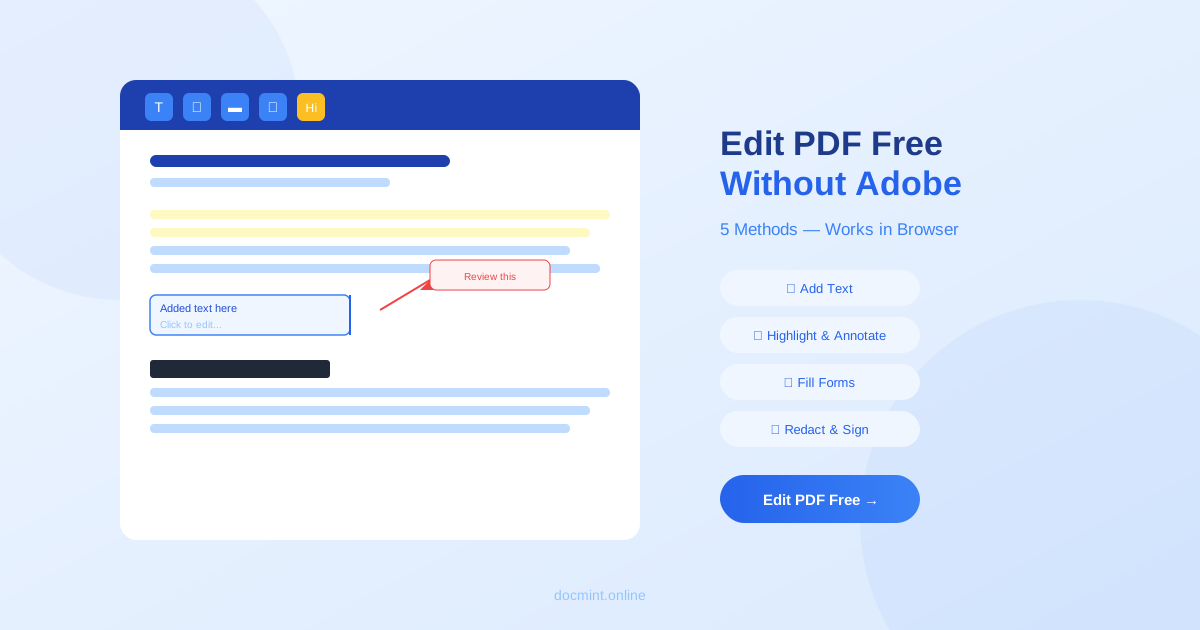
Quick answer: Use DocMint's free PDF editor — add text, highlight, annotate, and sign PDFs directly in your browser. No Adobe subscription ($19.99/month) needed.
Adobe Acrobat costs $19.99 per month. For most people who just need to fill out a form, add a note, or sign a document, that's completely unnecessary. Here are 5 free methods to edit PDFs without Adobe.
Method 1: Use DocMint PDF Editor (Browser-Based, Free)
DocMint's PDF editor runs entirely in your browser — no download, no account, no cost.
What you can do:
- Add text anywhere on the page
- Highlight, underline, or strikethrough text
- Draw freehand annotations
- Add shapes and arrows
- Insert images
- Add a signature
- Redact sensitive information
Best for: Annotating documents, adding notes, signing forms, marking up contracts.
Method 2: Fill PDF Forms (DocMint Fill PDF)
If your PDF has form fields (text boxes, checkboxes, dropdowns), use DocMint's Fill PDF tool. It automatically detects interactive form fields and lets you type into them.
Best for: Tax forms, job applications, government forms, contracts with fillable fields.
Method 3: Convert to Word, Edit, Convert Back
For editing the actual text content of a PDF, the most reliable approach is:
- Convert the PDF to Word
- Edit the text in Microsoft Word, Google Docs, or LibreOffice
- Convert back to PDF
This gives you full text editing capability. The trade-off is that complex layouts may shift slightly during conversion.
Best for: Editing the actual text content, rewriting paragraphs, updating information in a document.
Method 4: Google Docs (Free)
Google Docs can open PDFs directly and convert them to editable documents:
- Upload the PDF to Google Drive
- Right-click → Open with → Google Docs
- Edit the content
- Download as PDF (File → Download → PDF)
Best for: Simple text-heavy PDFs. Complex layouts with tables and images may not convert cleanly.
Method 5: LibreOffice Draw (Desktop, Free)
LibreOffice Draw is a free desktop application that can open and edit PDFs. It treats each page as a drawing canvas, letting you move, resize, and edit elements.
Best for: Users who prefer desktop software and need to edit layout elements, not just text.
Important to know:
True PDF text editing (modifying the original embedded text) requires the original fonts and is technically complex. Most free tools add new text on top of the existing content. For full text editing, the Word conversion method (Method 3) gives the best results.
What Type of Editing Do You Need?
| Task | Best Free Method |
|---|---|
| Fill out a form | DocMint Fill PDF |
| Add a signature | DocMint Sign PDF |
| Highlight or annotate | DocMint PDF Editor |
| Edit text content | Convert to Word → Edit → Convert back |
| Redact sensitive info | DocMint Redact PDF |
| Add page numbers | DocMint Add Page Numbers |
| Add a watermark | DocMint Watermark PDF |
DocMint vs Adobe Acrobat — What's the Difference?
- Cost: DocMint is free. Adobe Acrobat Pro costs $19.99/month.
- Installation: DocMint runs in your browser. Adobe requires a download.
- Privacy: DocMint processes files in your browser — nothing is uploaded. Adobe uploads files to Adobe servers.
- Features: Adobe has more advanced features for enterprise use. DocMint covers all common tasks for free.
- AI tools: DocMint includes free AI summarization, Q&A, translation, and classification. Adobe's AI features require a paid plan.
Frequently Asked Questions
Can I edit a PDF without Adobe Acrobat?
Yes. DocMint's free PDF editor lets you add text, annotations, highlights, and signatures to any PDF directly in your browser — no Adobe subscription needed.
Can I edit the original text in a PDF for free?
Editing the original embedded text in a PDF is technically complex and requires the original fonts. Most free tools, including DocMint, let you add new text on top of the PDF. For full text editing, converting to Word first is often the better approach.
How do I fill out a PDF form for free?
Use DocMint's Fill PDF tool. It detects form fields automatically and lets you type into them, check boxes, and sign — all for free in your browser.
Is it safe to edit PDFs online?
With DocMint, yes. All editing happens in your browser — your files never leave your device. This is important for confidential documents like contracts, medical forms, and financial records.
What is the best free alternative to Adobe Acrobat?
DocMint offers the most comprehensive free PDF toolkit available in 2026 — compression, merging, splitting, OCR, signing, editing, and AI tools — all free with no signup required.