How to Remove Metadata from a PDF for Free (2026)
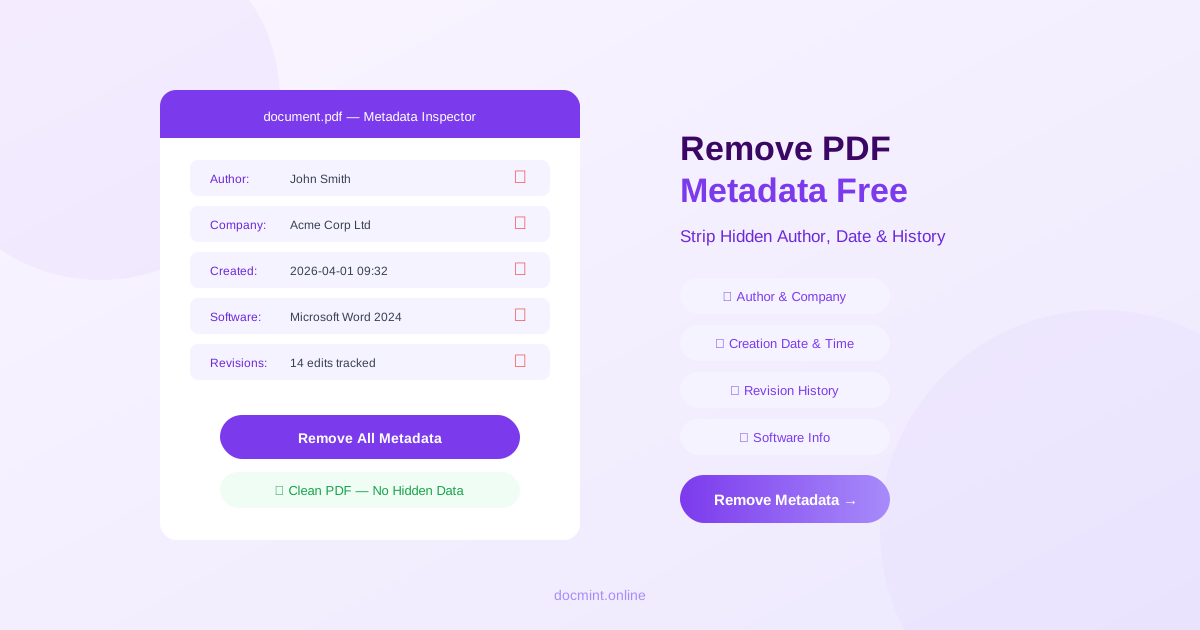
Quick answer: Use DocMint's Remove Metadata tool to instantly strip all hidden author, date, and revision data from any PDF — free, no signup, files never leave your browser.
What Is PDF Metadata?
Every PDF file carries hidden data fields that describe the document — who created it, when, with what software, and how many times it was revised. This data is invisible when you read the PDF but is trivially easy for anyone to access via File > Properties in any PDF viewer.
PDF metadata exists in two formats:
| DocInfo Fields | XMP Metadata Fields |
|---|---|
| Author | Creator tool & version |
| Title | Revision history |
| Subject | Document ID (unique identifier) |
| Creation date & time | Instance ID |
| Modification date | Custom company properties |
| Producer (PDF software) | Rights management info |
When Should You Remove PDF Metadata?
There are four common situations where stripping metadata is important:
- Before sharing publicly: Blog posts, press releases, and public reports should not reveal the author's name or internal software stack.
- Before publishing online: PDFs indexed by search engines expose metadata to anyone who downloads them.
- Legal and compliance: Court filings and contracts may need metadata removed to prevent inadvertent disclosure of privileged information.
- Journalism and whistleblowing: Metadata can identify the source of a leaked document. Always strip metadata before sharing sensitive files.
How to Check What Metadata Your PDF Contains
Before removing metadata, you can inspect it in any PDF viewer:
- Adobe Acrobat: File > Properties > Description tab
- macOS Preview: Tools > Show Inspector > Info tab
- Chrome / Edge: Open PDF > right-click > Document Properties
- DocMint: The Remove Metadata tool shows all fields before you strip them
How to Remove PDF Metadata Free — Step by Step
- Go to DocMint Remove Metadata — no account needed
- Upload your PDF (drag & drop or click to browse)
- Review the metadata fields displayed
- Click Remove Metadata
- Download your clean, metadata-free PDF
Privacy tip:
DocMint processes your PDF entirely in your browser using JavaScript. Your file is never uploaded to any server, making it safe for confidential documents.
Remove Metadata vs Redact PDF — What's the Difference?
These are two different privacy operations that are often confused:
| Remove Metadata | Redact PDF |
|---|---|
| Strips hidden property fields | Permanently removes visible text/images |
| Invisible to readers | Visible black boxes in document |
| Does not change page content | Permanently alters page content |
| Use before sharing any PDF | Use to hide SSNs, names, addresses |
For full privacy protection, do both: redact sensitive visible content and then remove metadata.
Other Privacy Tools
Metadata removal is one part of a complete PDF privacy workflow. DocMint also offers:
- Redact PDF — permanently remove sensitive text and images
- Protect PDF — add password encryption before sharing
- Compress PDF — reduce file size for easier sharing
- Unlock PDF — remove password protection from PDFs you own
FAQ
What metadata is stored in a PDF?
PDFs store two types of metadata: DocInfo fields (author, title, subject, creator, producer, creation date, modification date) and XMP metadata (a more detailed XML-based format with revision history, software used, and custom properties). Both are invisible to readers but accessible to anyone who opens the file properties.
Is removing PDF metadata free with DocMint?
Yes, completely free. DocMint's Remove Metadata tool requires no signup, no subscription, and no payment. It runs entirely in your browser so your files never leave your device.
Does removing metadata change the content of my PDF?
No. Removing metadata only strips the hidden property fields — it does not alter any visible text, images, formatting, or page layout. Your document looks and reads exactly the same after metadata removal.
Can I remove metadata from a password-protected PDF?
Password-protected PDFs must be unlocked before metadata can be removed. Use DocMint's Unlock PDF tool first, then run the Remove Metadata tool on the unlocked file.
Why should I remove metadata before sharing a PDF?
Metadata can reveal your name, organization, the software you used, internal revision history, and the exact date and time you created the document. This information can be used for social engineering, competitive intelligence, or to identify you as the source of a leaked document.
Remove PDF Metadata Free — Instant
No signup. No upload. Your files stay private in your browser.
Remove Metadata Free →